
Settings
INFO
For help, ask in #help on our Discord or open an issue on GitHub. Please add what you tried and what the setup page or docker logs wa-classic shows.
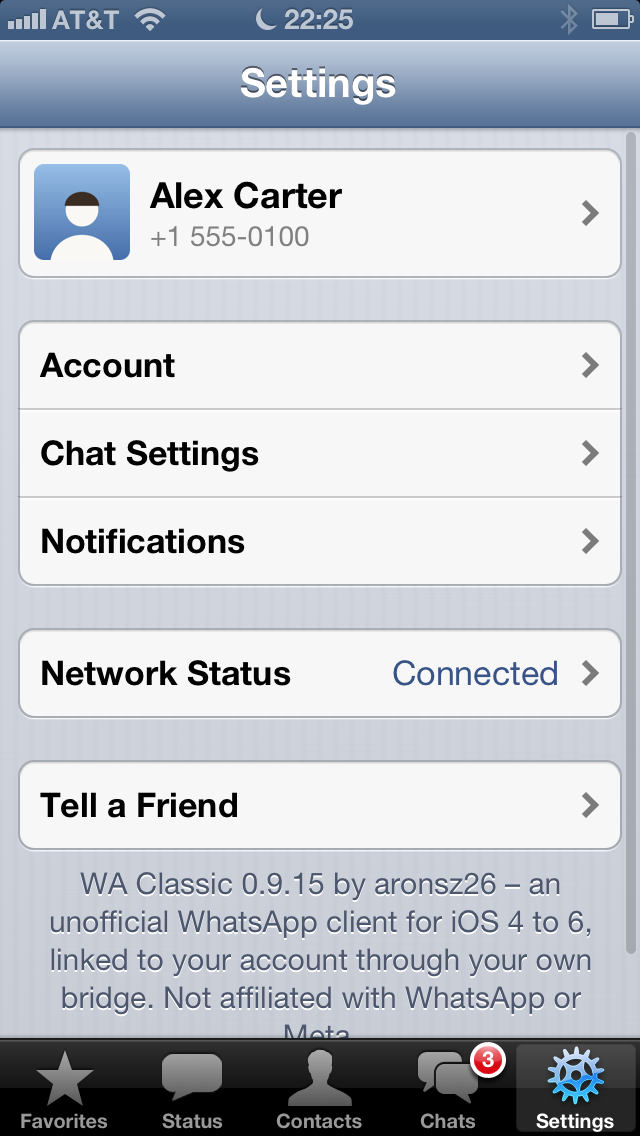
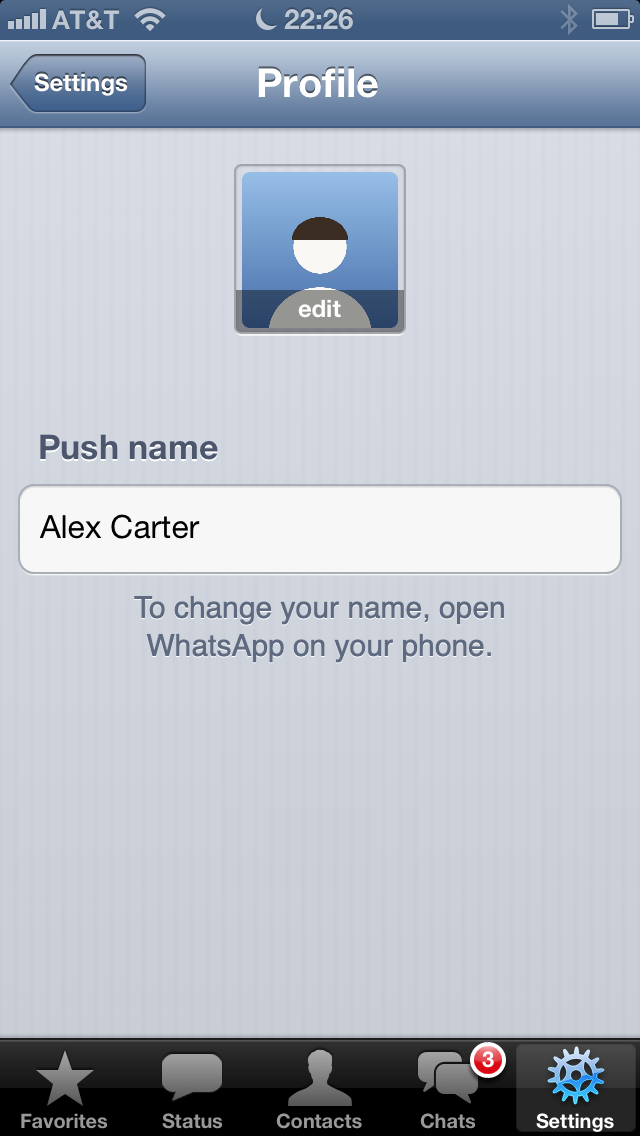
Profile
Tap your name at the top of Settings.
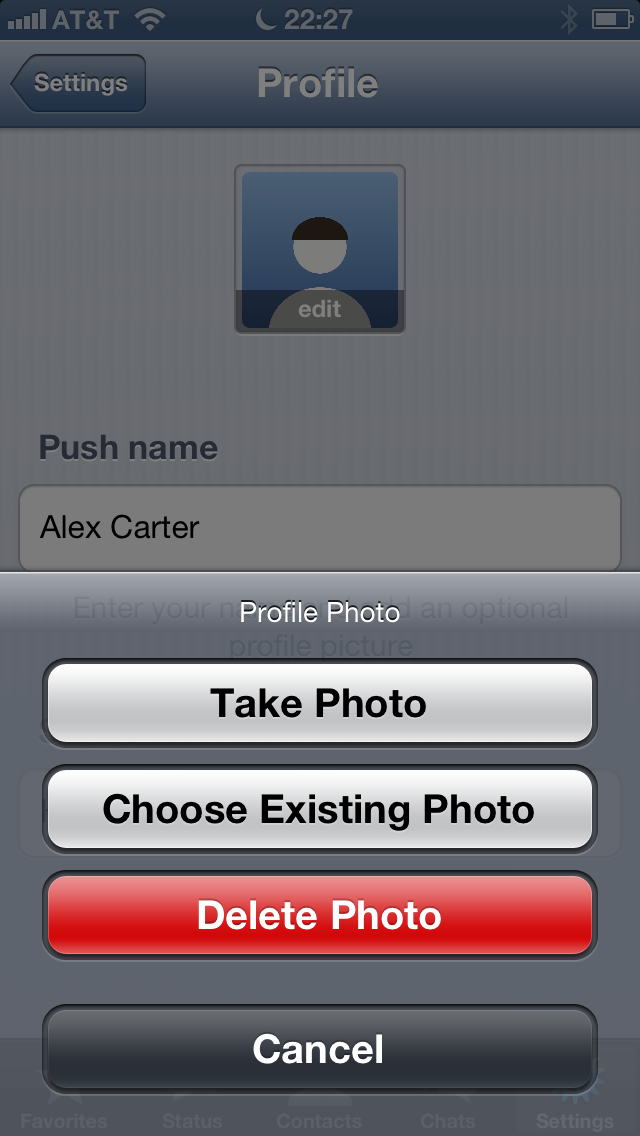
- Profile Photo: take a new photo, choose one or delete it
- Name: the name people see in notifications. It's only shown here. To change it, open WhatsApp on your phone.
A new photo goes to WhatsApp, so your phone and your contacts see it too.
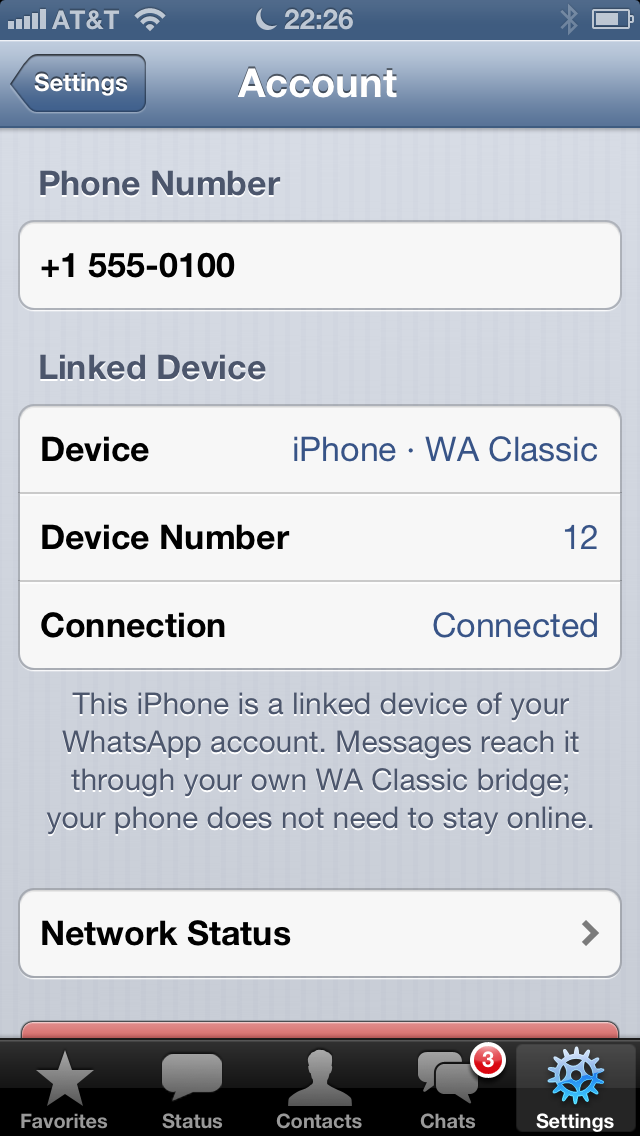
Account
- Phone Number and Linked Device: which account this iPhone is linked to, and whether it's connected right now
- Network Status: see below
- Log Out: unlinks your bridge from WhatsApp. This logs out every iPhone on that bridge, not just this one. Their chats are deleted there, your phone keeps them. To use WA Classic again, link again with any account. The other iPhones then show the setup too.
Chat Settings
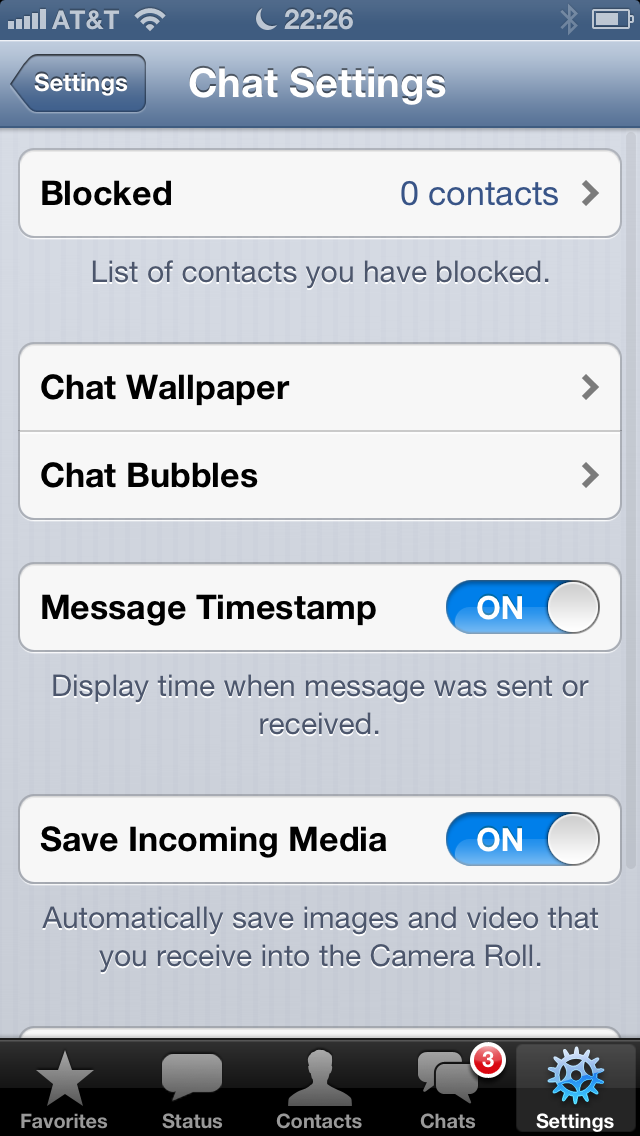
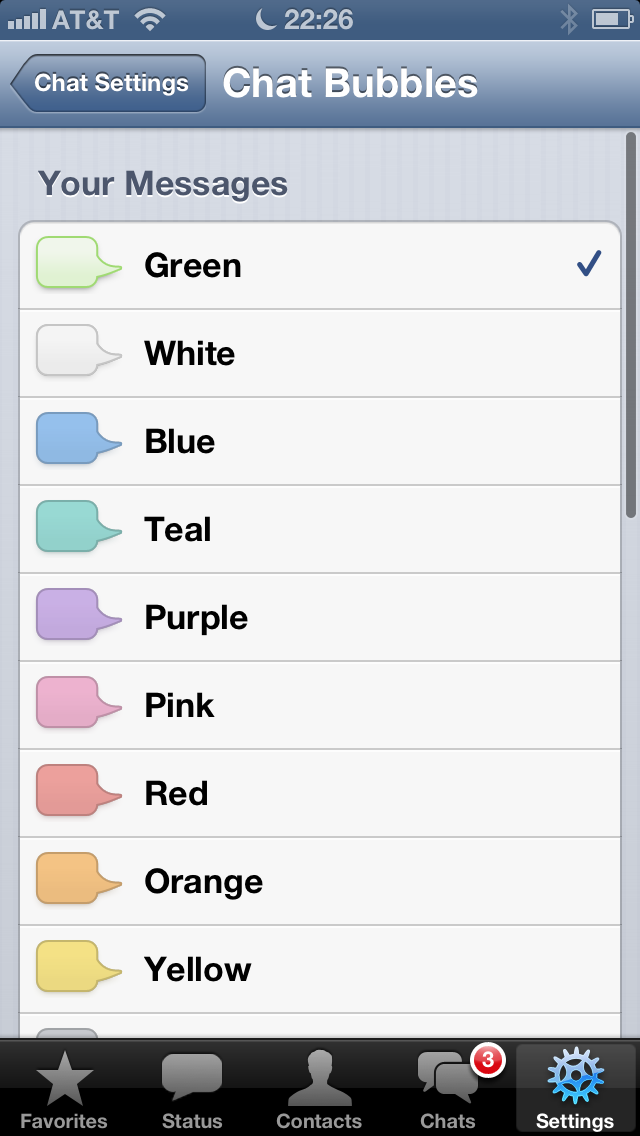
| Option | What it does |
|---|---|
| Chat Wallpaper | the background of all chats: the classic WhatsApp wallpapers, your own photo, or none |
| Chat Bubbles | the color of the bubbles, for all chats. You can also set a color per chat in its info. |
| Message Timestamp | shows the time under every message |
| Save Incoming Media | saves received photos to the Camera Roll |
| Blocked | the people you blocked. To unblock someone, open their contact info and tap Unblock. |
| Advanced › Auto-Download | when photos, voice messages and videos load by themselves: Never, Wi-Fi, or Wi-Fi and Cellular |
| Advanced › Optimize Video | smaller videos that play smoothly: Off, On Cellular, or Always |
| Advanced › Last Seen Timestamp | whether others see when you were last online |
Notifications
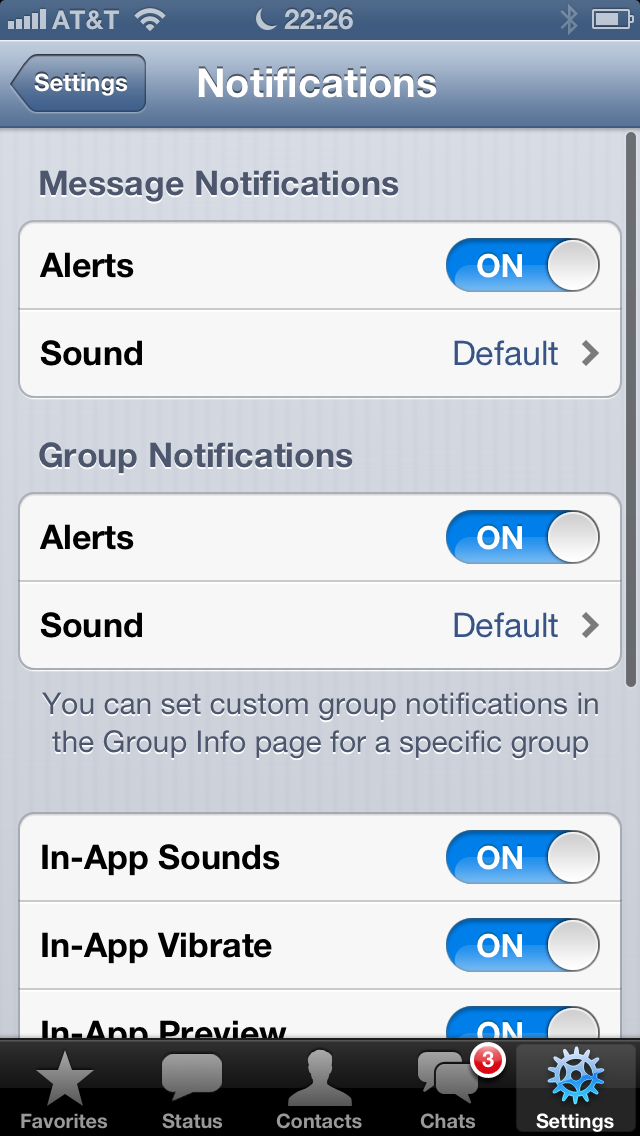
| Option | What it does |
|---|---|
| Message Notifications | alerts and sound for chats |
| Group Notifications | alerts and sound for groups |
| In-App Sounds / Vibrate | sound or vibration for new messages while WA Classic is open |
| Show Preview | shows the text of a message in the notification |
| Reset All Notifications | back to the standard settings |
Network Status
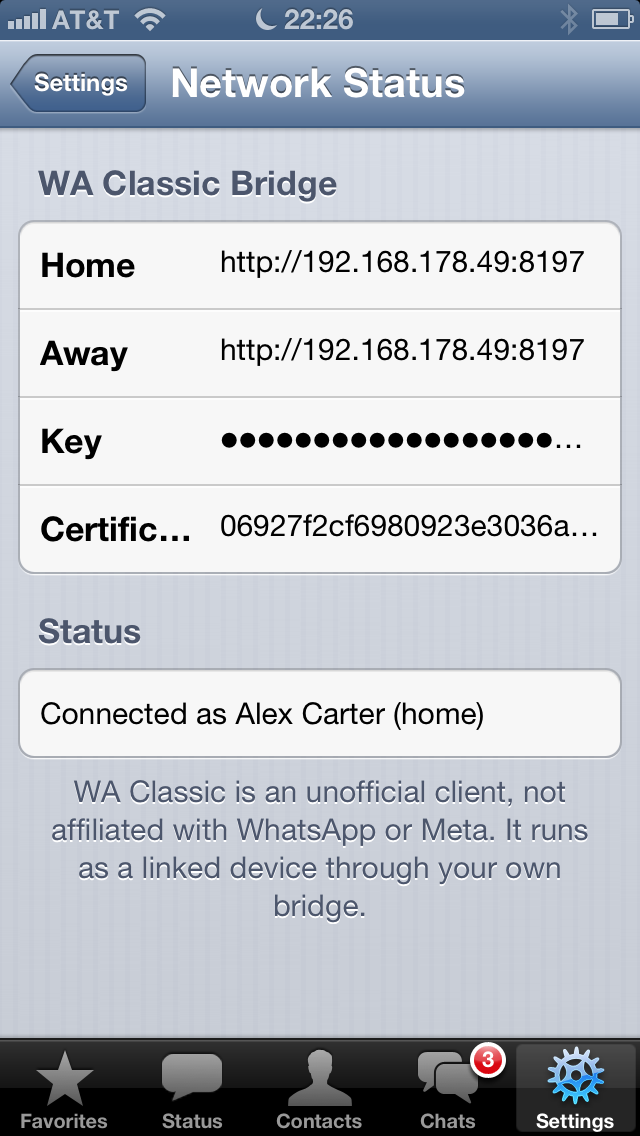
Shows the bridge this iPhone uses, at home and away, and whether it's connected right now. Handy when messages don't arrive. See Troubleshooting.
Tell a Friend
Copies a short text about WA Classic, to paste into a message.