
Groups
INFO
For help, ask in #help on our Discord or open an issue on GitHub. Please add what you tried and what the setup page or docker logs wa-classic shows.
Creating a group
- In Chats, tap New Group.
- Enter a subject (the group name). A group picture is optional: tap the frame.
- Add people with + or by typing their names.
- Tap Create.
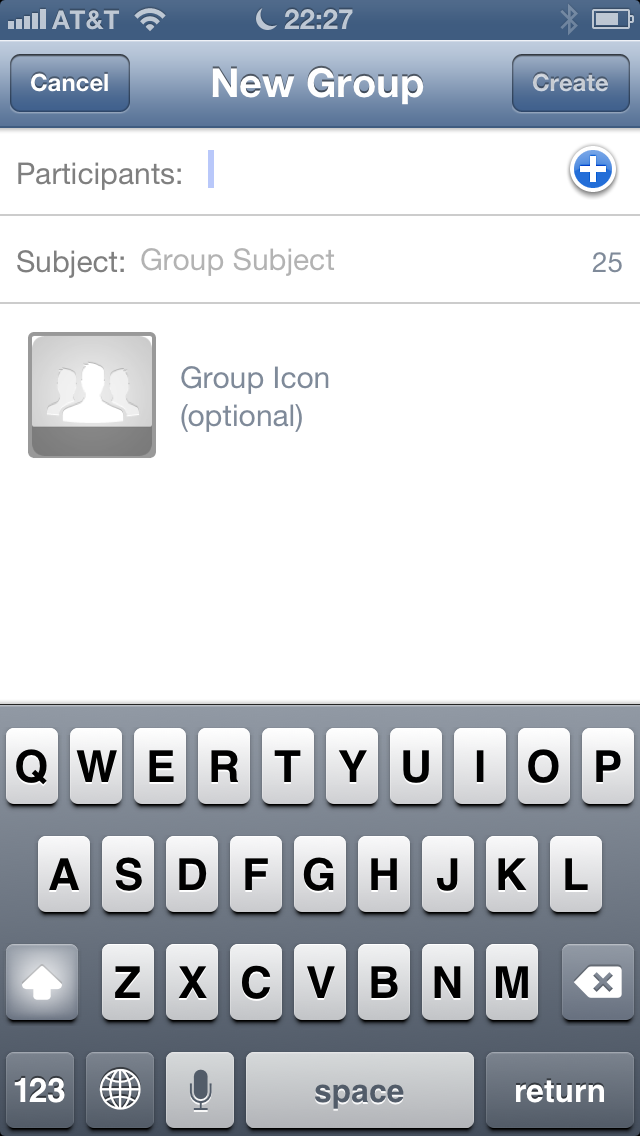
The group opens right away. Some people can only be added by an invite link because of their privacy settings. WA Classic tells you who couldn't be added.
Group info
Open a group and tap its name at the top. You see:
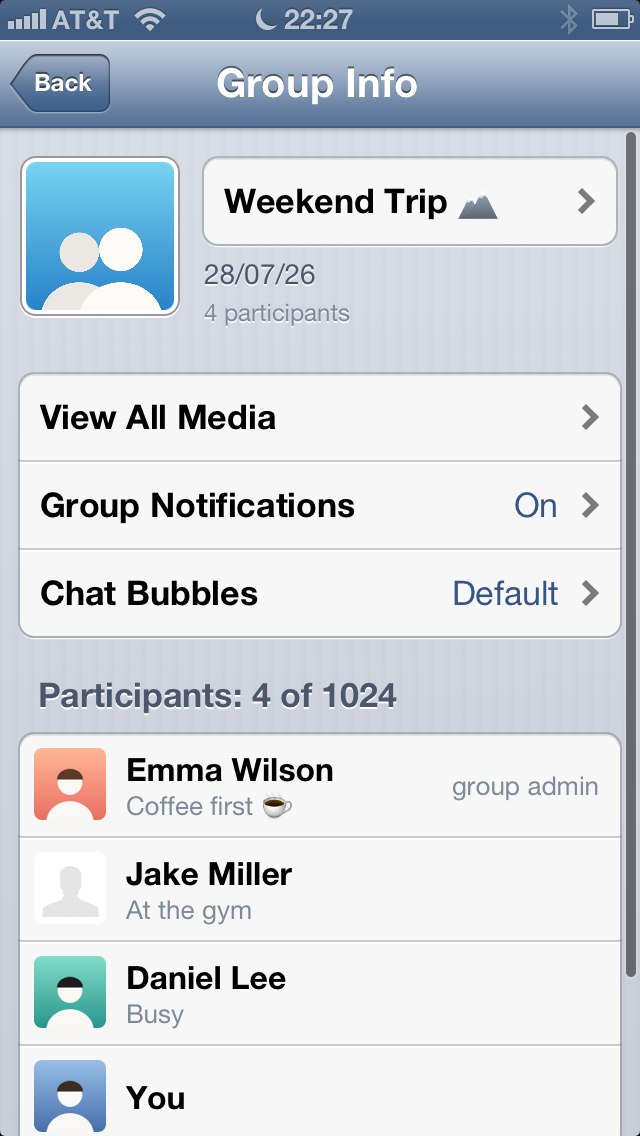
- the group picture and subject
- all participants, admins first. Tap someone to message, call or see their info.
- All Media: every photo and video of the group
- Mute: 8 hours, 1 week or 1 year
Group messages
In groups, every bubble shows the sender's name. Replies, reactions, photos and voice messages work like in other chats.