
Chats
INFO
For help, ask in #help on our Discord or open an issue on GitHub. Please add what you tried and what the setup page or docker logs wa-classic shows.
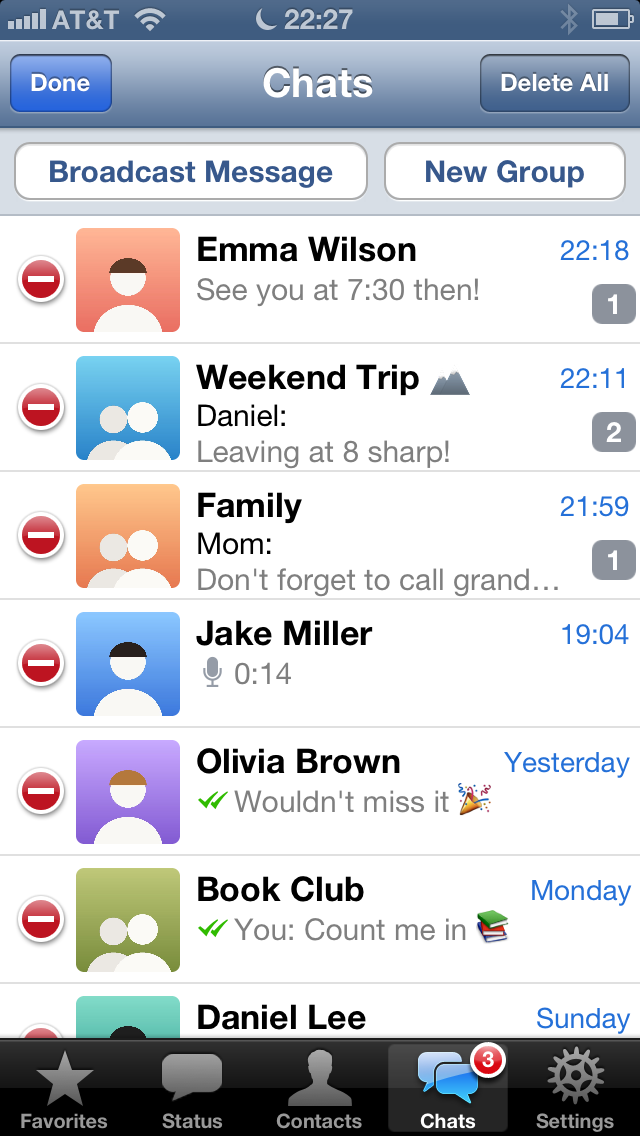
The Chats tab lists all your chats and groups, newest first. A number on the right shows unread messages, and the tab itself shows the total.
Starting a chat
- Tap the pen at the top right, then pick a contact.
- Or open a contact in Contacts or Favorites and tap Send Message.
The bar above the chats
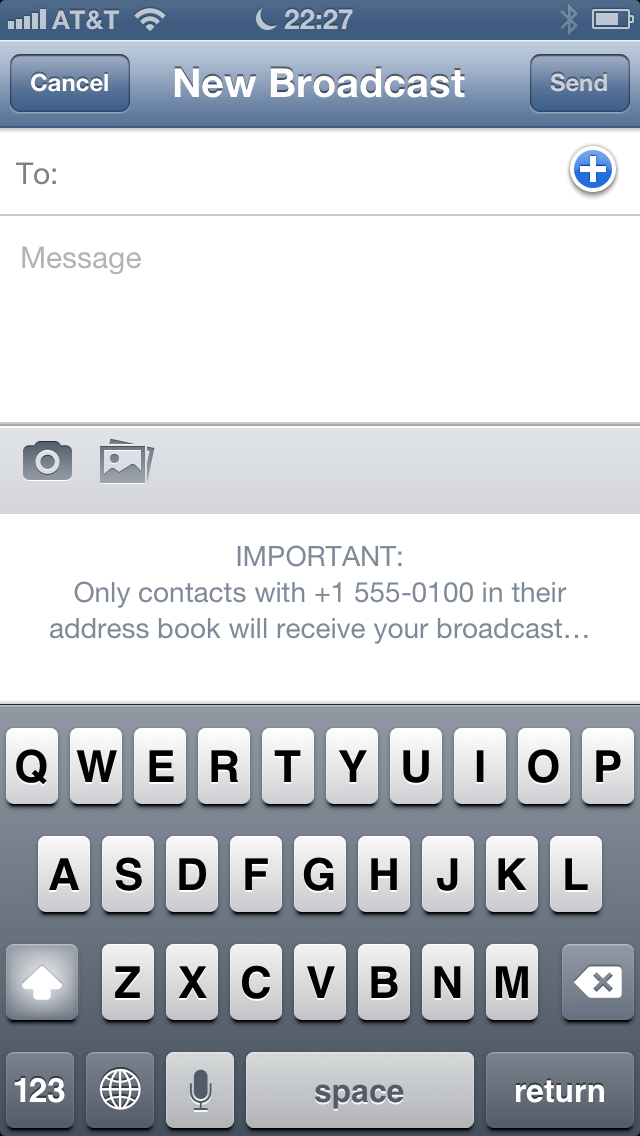
- Broadcast Message: send one message to several people at once. Each of them gets it as a normal message from you and doesn't see the others.
- New Group: see Groups.
Deleting chats
- Swipe a chat to the left and tap Delete, or
- tap Edit, then the red minus in front of a chat. Delete All removes every chat.
WARNING
Deleting only removes the chat from this iPhone. On your phone, and in WhatsApp for the other person, it stays.
Muted chats
A muted chat shows a small icon in the chat list. It doesn't wake the iPhone or play a sound. To mute or unmute, open the chat, tap the name at the top, then Mute.