
Voice calls
INFO
For help, ask in #help on our Discord or open an issue on GitHub. Please add what you tried and what the setup page or docker logs wa-classic shows.
WA Classic makes and takes real WhatsApp voice calls, with the look of the iPhone's own Phone app.
Calling someone
- Open the chat.
- Tap the phone at the top right.
You can also call from a contact's info page.
Answering a call
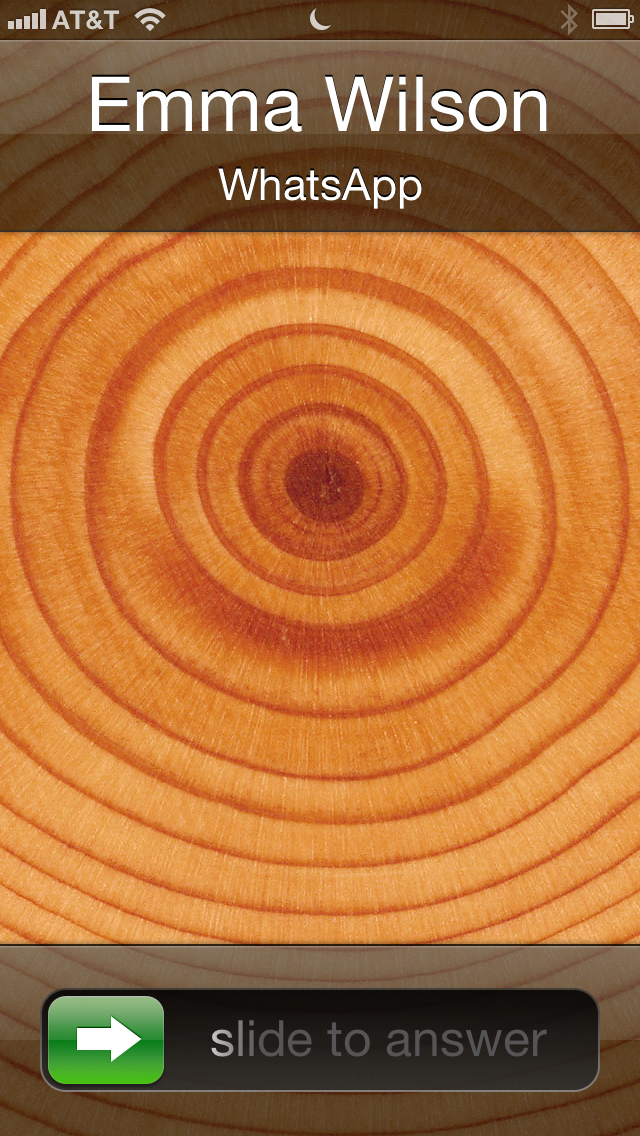
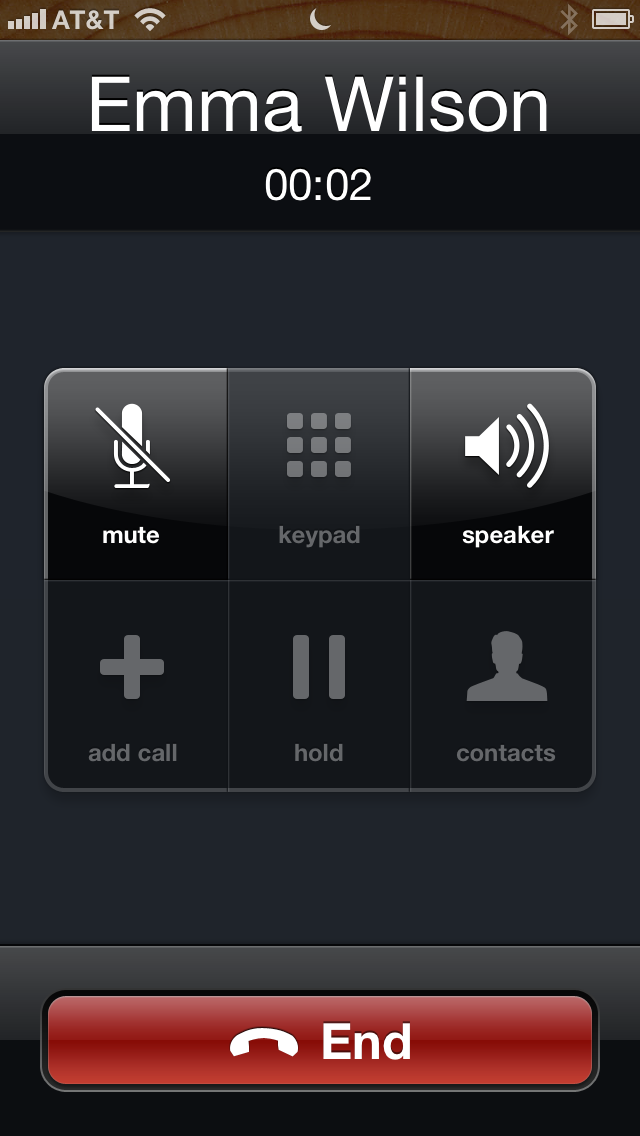
- iPhone locked: the call fills the screen like a normal phone call. Slide to answer.
- iPhone unlocked: tap Answer or Decline.
- Inside WA Classic: the call screen opens right away.
During a call you can turn on mute and the speaker. Press the Home button to use other apps: a green bar at the top takes you back to the call.
TIP
Hear nothing on speaker? The speaker has its own volume. Press the volume up button during the call.
Calls in the chat
Every call shows up in the chat as a small line with its length. Missed calls are red. Tap one to call back.
Several old iPhones on one bridge
If several iPhones use the same bridge, all of them ring. The one that answers takes the call, and the others stop ringing.
WARNING
Calls need MobileSubstrate for the phone-like call screen. Cydia installs it together with WA Classic if it's missing. Without it, WA Classic shows its own call screen and a notification instead.
Video calls
Video calls are still in development. A video call from someone else runs as a voice call. See Video calls.