
Favorites, Contacts and Status
INFO
For help, ask in #help on our Discord or open an issue on GitHub. Please add what you tried and what the setup page or docker logs wa-classic shows.
Favorites
Favorites starts empty. To add someone, open their contact info and tap Add to Favorites, or tap + in Favorites.
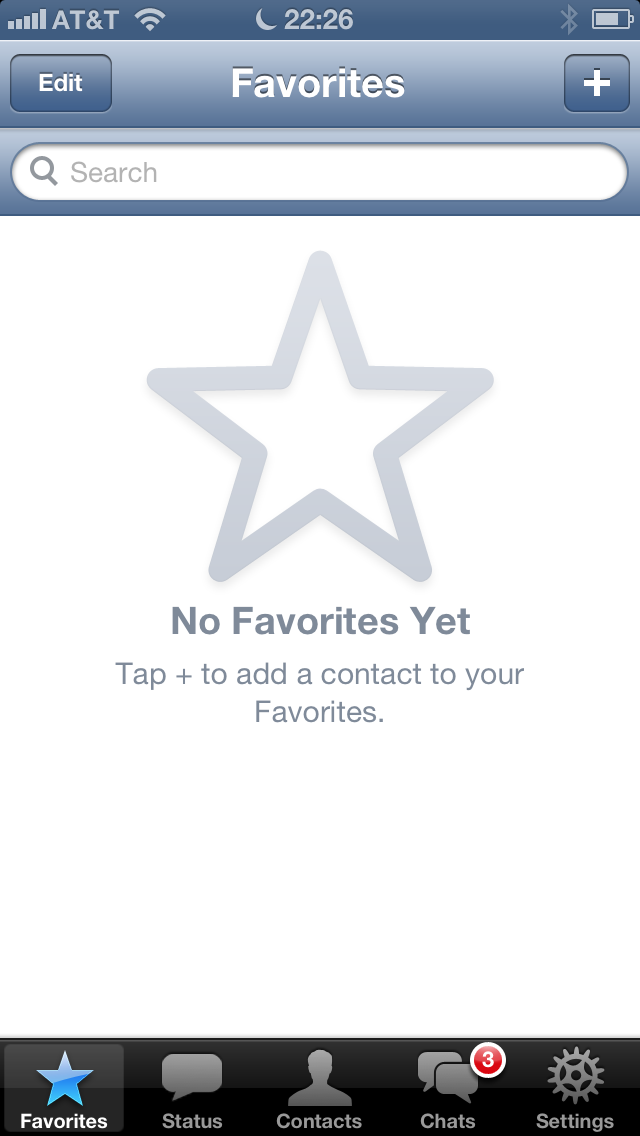
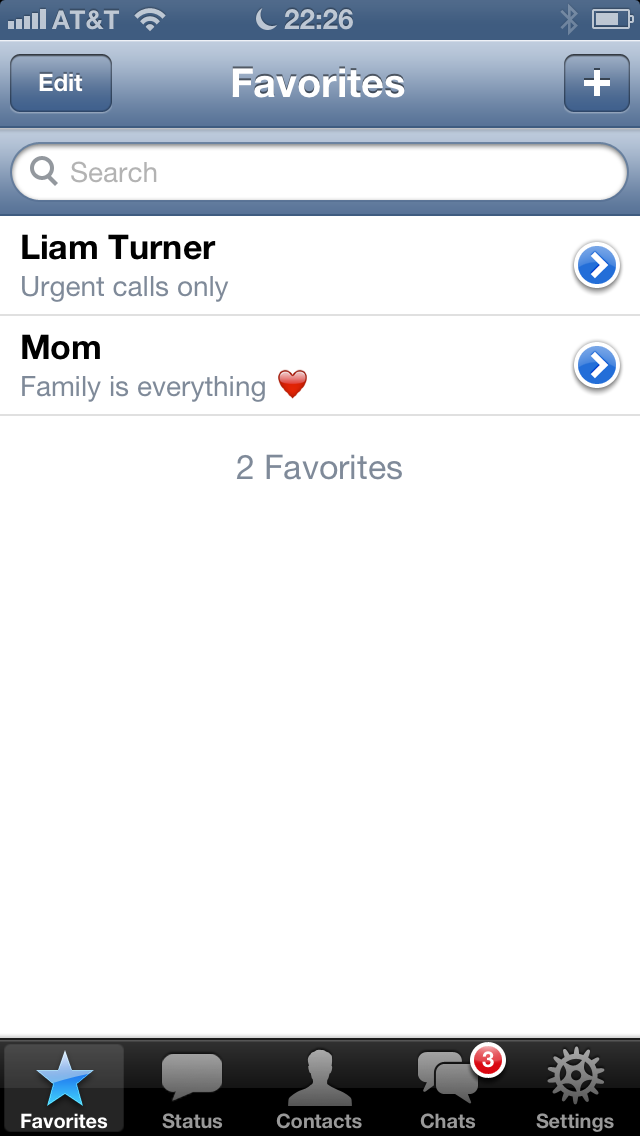
Tap Edit to reorder or remove favorites. Favorites are only stored on this iPhone. Your phone doesn't know about them.
Contacts
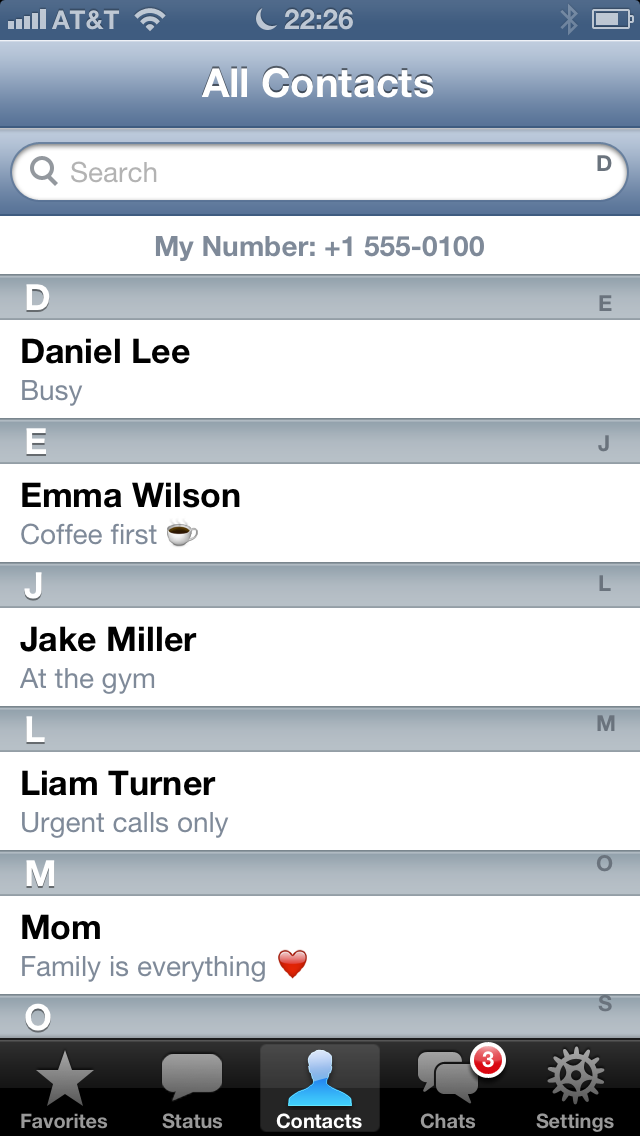
Contacts lists everyone on WhatsApp from your phone's address book, A to Z, with their status text. Your own number is at the top. Use the search field to find someone.
INFO
The list comes from your phone, through WhatsApp. To add a contact, add it on your phone. It shows up on the old iPhone a moment later.
Status
Coming in a later version. For now the Status tab only shows a note.